Spread vs Rest Operators in JavaScript
Introduction
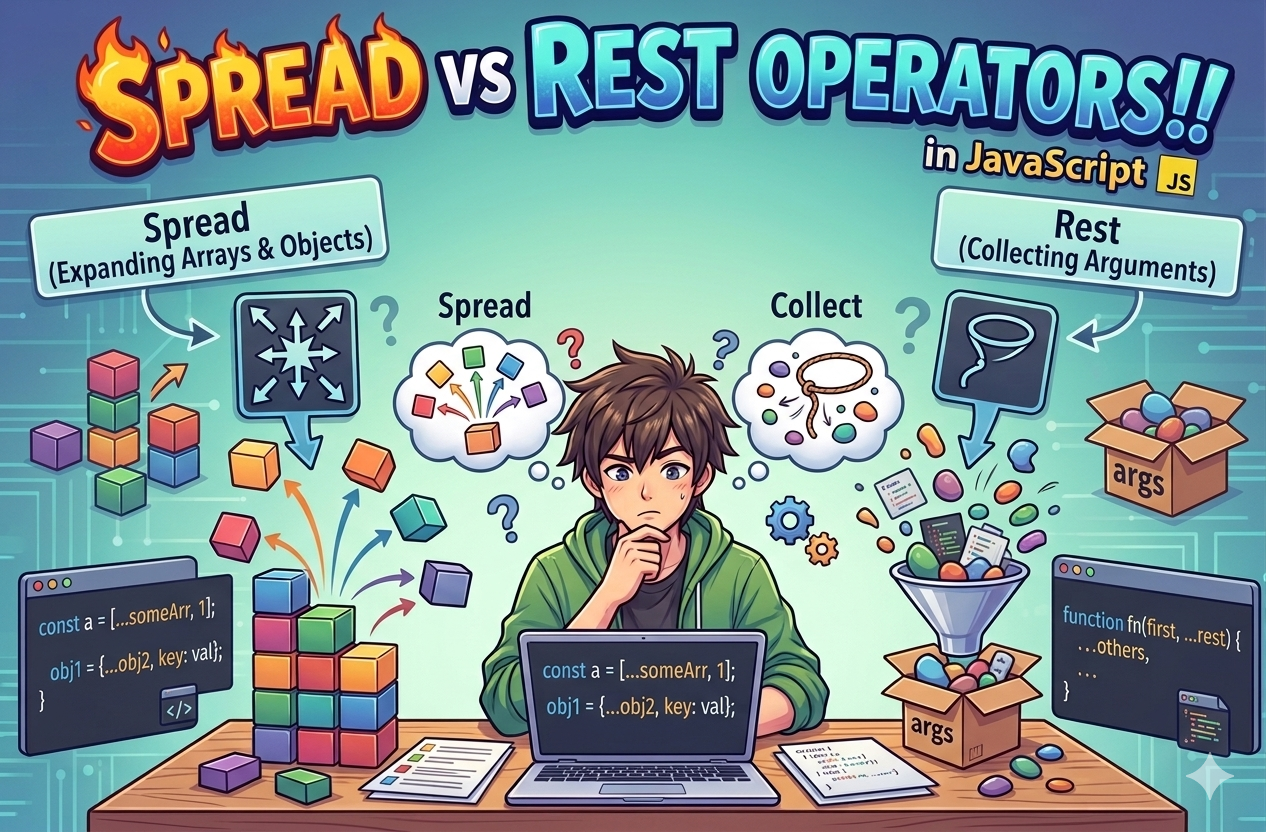
In JavaScript, both the rest and spread operators are widely used because they help keep code clean and structured by organizing data efficiently.
Although the syntax for rest and spread is the same (...), their internal behavior and use cases are different.
The browser doesn’t specifically understand”whether it’s a spread operator or a rest operator. Instead, it follows the JavaScript language specification, which defines how the three dots should be interpreted based on the context in which they appear.
As long as the code follows these rules, the browser executes it accordingly.
What Spread Operator Does?
The spread operator is used with iterable data types like arrays and objects to expand their elements into individual values.
At first, this might seem simple because accessing elements in JavaScript is not a big deal😎.
However, the spread operator provides a cleaner and more efficient approach by eliminating the need for loops using just three dots (...) to achieve the same result.
const nums = [1, 2, 3];
console.log(...nums) // Output: 1 2 3 (individual)
The spread operator was introduced in ES6 (ES2015). While modern browsers support it, older browsers may not so keep this in mind 🧠.
What Rest Operator Does?
As discussed earlier, the spread and rest operators share the same syntax (...), but they serve different purposes and are used in different contexts.
The rest operator is used in function parameters when the number of arguments is not fixed. It collects all remaining arguments into a single array, making it easier to handle variable inputs.
And we can use all array methods on it.
function sum(...nums) {
    console.log(nums) // [1, 2, 3, 4, 5]
}

sum(1, 2, 3, 4, 5)
The rest parameter syntax allows a function to accept an indefinite number of arguments as an array.
It collects all remaining arguments into an array, which can be accessed from inside the function.
The rest of the parameters must be the last parameter in a function declaration using reset operator.
function sum(first, second, ...remaining) {
    console.log(first) // Naruto
    console.log(second)// Hinata
    console.log(remaining) // ["Kakashi", "Minato"]
}

sum("Naruto", "Hinata", "Kakashi", "Minato")
Differences Between Spread and Rest
| Aspect | Spread (...) |
Rest (...) |
|---|---|---|
| Core role | Expands data | Collects data |
| Data flow | Structure → values | Values → structure |
| Primary use | Cloning, merging, passing | Handling variable inputs |
| Execution context | Expressions | Parameters / destructuring |
| Iterables | Required (arrays, strings, etc.) | Not required (collects args) |
| Objects | Expands enumerable properties | Collects remaining properties |
| Mutability | Creates shallow copies | Creates new array/object |
| Position rule | Flexible | Must be last |
| Performance | Avoids manual loops | Avoids arguments usage |
Using Spread with Arrays and Objects
Spread Operator with Arrays
Making copies: Spread operator can be used to make shallow copy of arrays.
const arr = [1, 2, 3];
const copy = [...arr];

console.log(copy) // [1, 2, 3]
Merging: We can merge two or more arrays using spread operator.
const a = [1, 2];
const b = [3, 4];
const merged = [...a, ...b]; // [1, 2, 3, 4]
Add elements: It can be used to add element in a array.
const arr = [1, 2, 3]
const updated = [0, ...arr, 4];

console.log(updated) // [0, 1, 2, 3, 4]
Pass as arguments: Can be used to pass multiple elements.
const arr = [9, 6, 2]
const result = Math.max(...arr);

console.log(result) // 9
Spread Operator with Objects
Clone (shallow copy):
If we directly assign an object to a variable it create copy but there refrence is same, so chaning in one obect will reflect in another.
As a solution we can use spread operator, but remember it create shallow copy it means if there is another object inside object then that inside object is still point to the parent object.
const obj = { a: 1, b: 2 };
const copy = { ...obj };
Merge objects: Same as array it can be used to merge objects.
const o1 = { a: 1 };
const o2 = { b: 2 };
const merged = { ...o1, ...o2 };
Add new properties: We can add new properties as well.
const newObj = { ...obj, c: 3 };
Conclusion
Spread and rest are widely used operators in JavaScript applications and using them efficiently helps you write cleaner and more maintainable code.
It’s common to feel confused between rest and spread at first, but with regular use in real-world scenarios, the difference becomes clear.
That’s all about these special operators in JavaScript.
Hope you found this article helpful❤️.


