JavaScript Promises Explained for Beginners
Introduction
In real life, we make promises to ourselves—whether it’s improving our health, waking up early, or focusing on studies. Some promises we keep, others we don’t.
Similarly, JavaScript has Promises. A Promise represents a commitment to deliver a value in the future. It can either be resolved (fulfilled) or rejected (failed).
Now that the analogy is clear, let’s dive into how Promises actually work.
What is a Promise & What Problem Does It Solve?
A Promise in JavaScript is a built-in object that represents the eventual completion (or failure) of an asynchronous operation and its resulting value.
const promise = new Promise((resolve, reject) => {
  const success = true;

  if (success) resolve("Done");
  else reject("Error");
});

promise
  .then(res => console.log(res))
  .catch(err => console.error(err));
Eliminating "Callback Hell"
The main problem JavaScript Promises solve is eliminating callback hell. Before Promises, we used callback functions to handle asynchronous tasks.
But after 3–4 nested callbacks inside a single callback, the code became cluttered and hard to read. This is called the pyramid of doom or callback hell.
Solution: Promises provide chaining using.then(), so we can handle responses and errors more gracefully.Standardized Error Handling
In callbacks, error handling was not standardized. Every time, we had to manage the error object manually, making it difficult to handle errors deep inside nested callbacks.
Solution: With Promises, we can use.catch()to handle errors across the entire chain in a clean and consistent way.Managing Parallel Operations
Running multiple asynchronous tasks at the same time and handling them together was not easy.
But with utilities likePromise.all(),Promise.allSettled(), andPromise.any(), we can handle multiple requests or asynchronous tasks in parallel efficiently.
Promise States
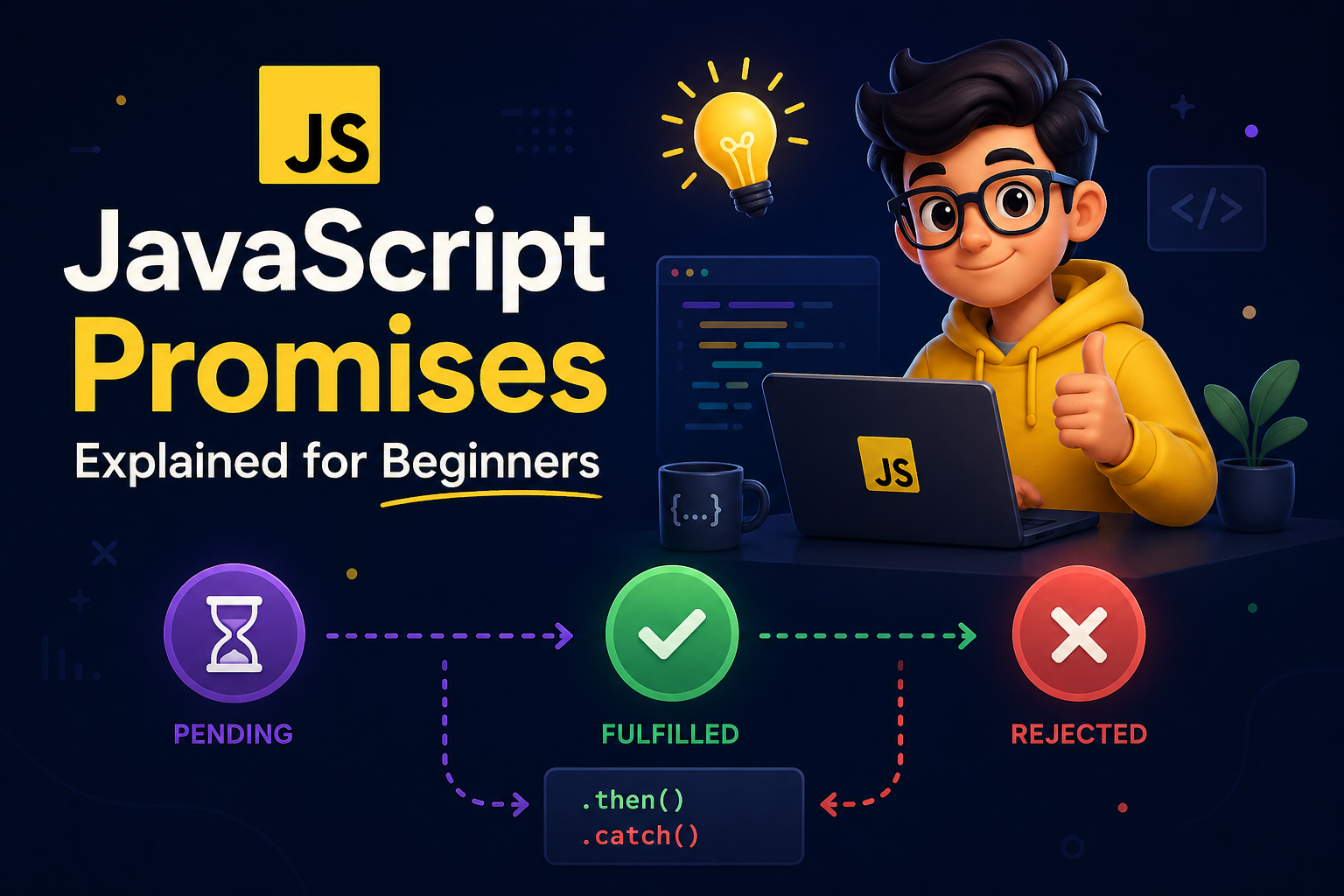
JavaScript Promises have three states:
Pending
When the Promise is neither resolved nor rejected it is still waiting.Fulfilled (Resolved)
When the Promise is successfully completed and returns a result.Rejected
When the Promise fails and returns an error object.
Basic Promise Lifecycle:
Basically, if there is a task that takes time (like fetching data from an API), we wrap it inside a Promise so it does not block the main thread.
Time-consuming logic is written inside a Promise.
Fast, synchronous code is written outside.
Execution flow:
When the application runs, all top-level (synchronous) code executes first.
When JavaScript encounters a Promise, it starts the async operation (via Web APIs) and continues executing the remaining code. The Promise stays in a pending state.
Once the async task completes, the result is placed in the microtask queue.
The event loop then executes the corresponding handlers after the call stack is clear:
If resolved →
.then()runsIf rejected →
.catch()runs
We handle Promises using chaining:
.then()→ handles resolved value.catch()→ handles errors
This is how a typical Promise workflow operates.
Promise Chaining Concept:
After initializing a Promise, we handle it to make the code more readable and easier to manage responses and errors.
.then()is used to handle the fulfilled (resolved) state of a Promise..catch()is used to handle the rejected state of a Promise.
Chaining:
In Promise chaining, multiple
.then()blocks can be used sequentially.Each
.then()receives the result from the previous step, allowing us to process data in layers (e.g., transforming, filtering, storing).If an error occurs at any step, control is passed to the nearest
.catch()block.The
.catch()block receives the error object and handles it in a centralized way.
This is how a Promise chaining looks like:
function step1() {
  return new Promise(resolve => {
    setTimeout(() => resolve(10), 500);
  });
}

function step2(data) {
  return new Promise(resolve => {
    setTimeout(() => resolve(data * 2), 500);
  });
}

function step3(data) {
  return new Promise(resolve => {
    setTimeout(() => resolve(data + 5), 500);
  });
}

step1()
  .then(res1 => step2(res1))
  .then(res2 => step3(res2))
  .then(final => console.log(final))
  .catch(err => console.error(err));
Both .then() and .catch() support chaining, enabling structured flow where data or errors propagate step by step through the chain.
Conclusion
JavaScript Promises were not part of the initial language; they were introduced in ES6 (ES2015) to solve problems with callbacks, especially callback hell.
Later, as Promise chaining became harder to read and manage in complex scenarios, async/await was introduced in ES8 (ES2017). It does not replace Promises but provides a cleaner, more readable way to work with them.
This reflects how engineering evolves identify problems and improve abstractions over time.
Hope I was able to explain the concept of Promises clearly.


